
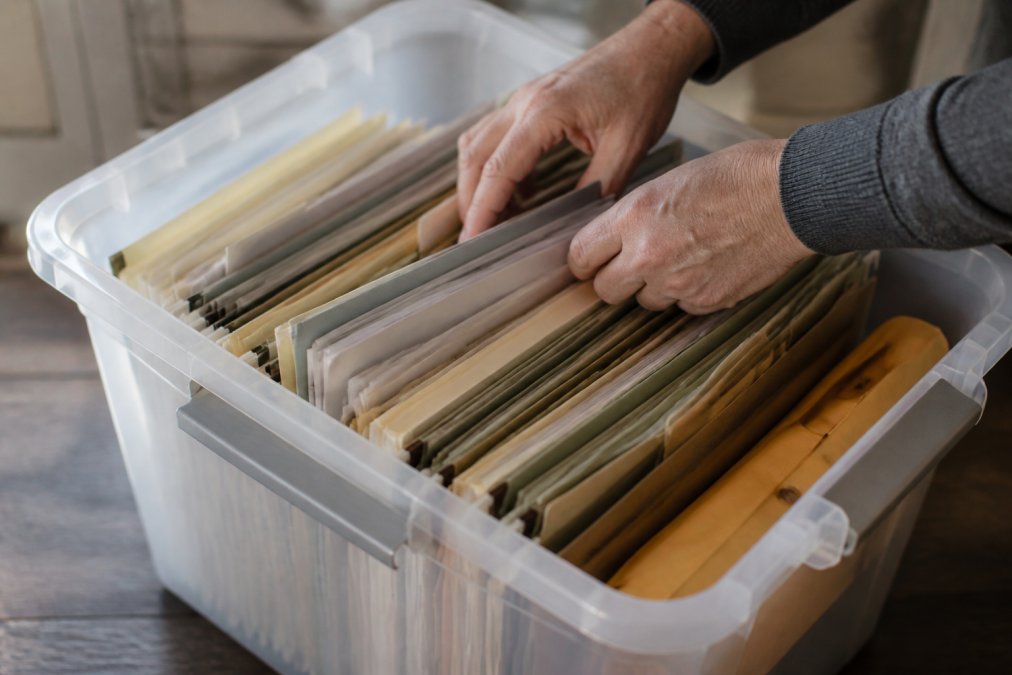
Table of Contents
- Why Storing Important Documents for Disaster Recovery Matters
- Types of Vital Records You Must Protect
- Physical Storage Solutions: Fireproof Safes and Waterproof Containers
- How to Digitize Important Documents for Emergency Access
- Creating an Emergency Grab-and-Go File Checklist
- Off-Site Storage and Bank Safe Deposit Boxes
- Securing Your Digital Documents with Encryption and Access Management
- Organizing Documents for Quick Access During Evacuation
- Frequently Asked Questions
Last Updated: August 31, 2026
Why Storing Important Documents for Disaster Recovery Matters
When disaster strikes, wildfire, flood, hurricane, or power outage, your ability to access critical information determines whether recovery takes weeks or months. Most households have never considered where vital records actually live or whether they'd survive a crisis. This guide from SHTF Prepper Club walks you through storing important documents for disaster recovery in a way that protects your family's future while keeping everything accessible when needed.
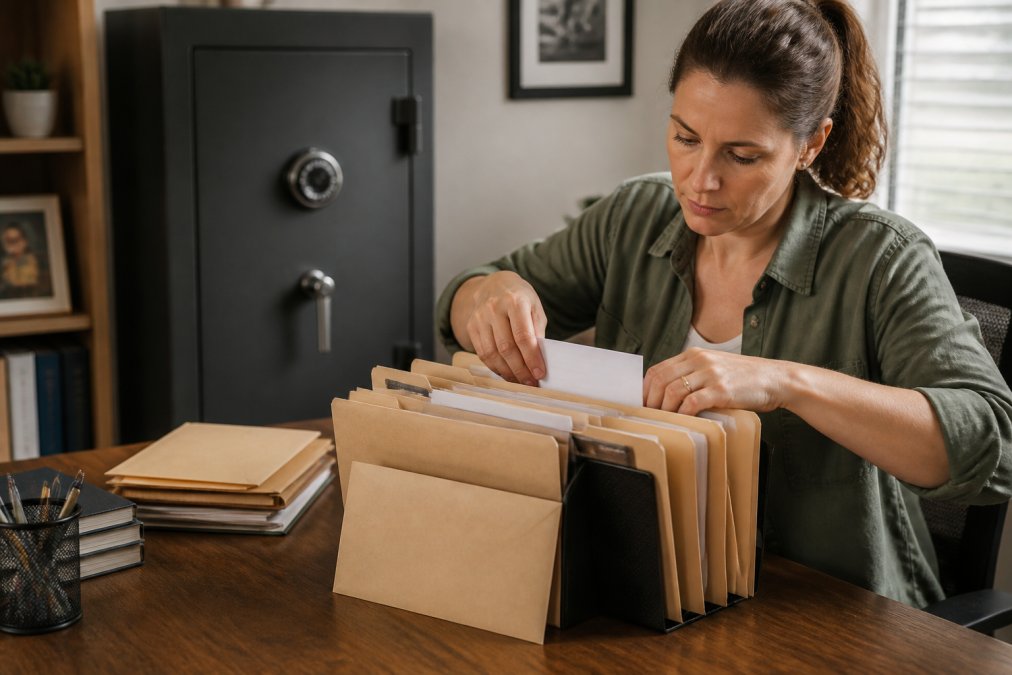
The real problem is that families treat document storage as an afterthought: papers scattered in desk drawers with no backup plan. When evacuating with 30 minutes' notice, you won't have time to hunt for your deed, insurance policy, or medical records. A deliberate approach changes that equation entirely.
We'll cover the specific records you must protect, physical storage solutions that survive disasters, how to digitize documents for emergency access, and organizational systems that let you grab critical files in minutes. By the end, you'll have a concrete plan for disaster-proofing your household's most important information.
Types of Vital Records You Must Protect
Not all documents matter equally when disaster hits. Some are replaceable with time; others are irreplaceable without them.
Start by identifying which vital records your household needs. Financial documents include bank statements, investment accounts, mortgage or lease agreements, property deeds, tax returns, and insurance policies. Medical records encompass vaccination records, prescription lists, allergy documentation, and chronic condition treatment histories. Legal documents cover birth certificates, marriage licenses, custody agreements, power of attorney designations, and wills. Property records include home deeds, vehicle titles, and warranty documentation. Identity documents, Social Security cards, passports, driver's licenses, and professional licenses, are non-negotiable; they prove who you are when everything else is gone.
Categorize documents by criticality. Tier 1 includes anything difficult to replace and essential for immediate recovery (deeds, insurance policies, medical records, identity documents). Tier 2 covers financial records needed for tax or insurance claims within weeks. Tier 3 is everything else. This tiering determines your storage strategy: Tier 1 documents get multiple copies in multiple locations.
Physical Storage Solutions: Fireproof Safes and Waterproof Containers
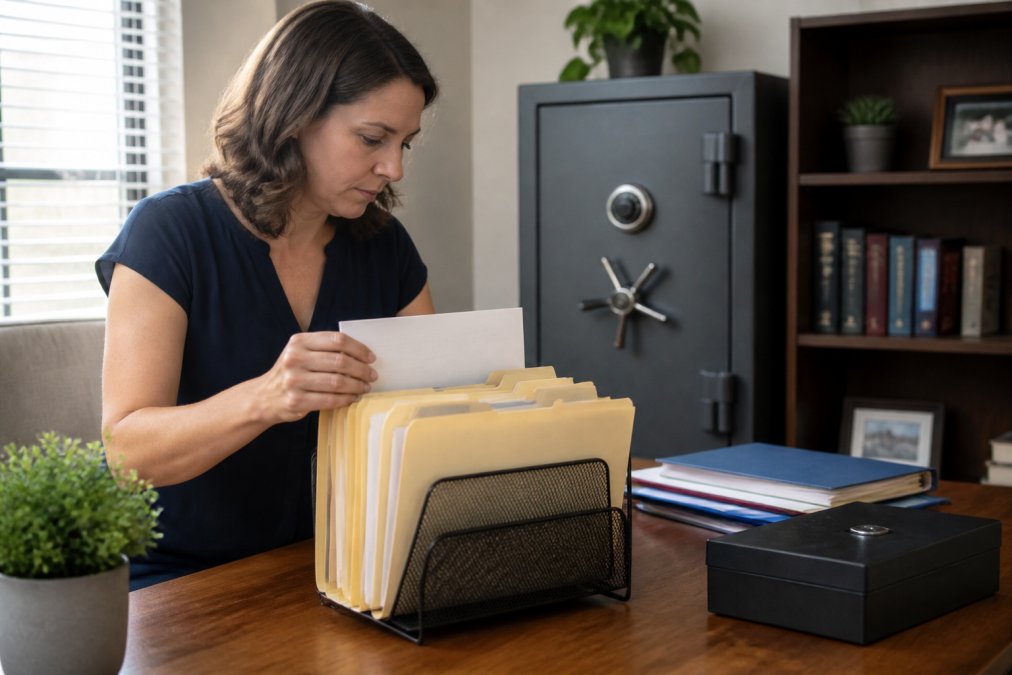
Your first line of defense is physical protection. A fireproof safe rated for documents protects paper records from temperatures that destroy most materials. Look for safes rated to maintain internal temperatures below 350°F, the threshold where paper begins to char (nist.gov). Waterproof safes add protection against flooding.
A fireproof safe protects against heat but can trap water during flooding. A waterproof safe protects against submersion but may allow heat transfer. For flood-prone areas, use a safe rated for both, or place a fireproof safe inside a waterproof container.
Size and placement matter. A safe large enough for Tier 1 vital records typically measures 24-30 inches wide and weighs 300-500 pounds (fema.gov). This weight resists theft and prevents casual removal during evacuation. Install it in an accessible location protected from your area's most likely disaster. For flood-prone regions, place it above expected flood level. For wildfire zones, place it away from exterior walls.
Waterproof containers offer a lighter alternative for documents you're willing to carry during evacuation. Heavy-duty waterproof bags or plastic containers cost far less than safes and can hold several years' worth of critical documents. The trade-off is remembering to grab them during an emergency. Many households use both: a permanent safe for documents that stay in place, and a grab-and-go waterproof container for records needed immediately.
Anchor your safe to the floor or wall, an unanchored safe can move during seismic activity or high winds. Test your access plan: can you reach and open the safe within 5 minutes, even in darkness?
How to Digitize Important Documents for Emergency Access
Digital copies of vital records are your backup to your backup. They're searchable, accessible from anywhere with internet, and don't degrade like paper. The goal isn't to replace physical documents, many institutions require originals, but to have readable, accessible copies when needed.
Use a scanner or smartphone camera. Modern phone cameras capture document detail well enough for most purposes. Scan both sides of every Tier 1 document in color. Save files with clear, descriptive names: "Mortgage_Deed_2024.pdf" not "Document1." Use PDF format for text-based documents.
Create a folder structure mirroring your physical organization: "Financial," "Medical," "Legal," "Identity."
Cloud storage services like Google Drive, Dropbox, or OneDrive provide automatic backup and access from any device. Use a password manager to create unique, strong passwords for each account. Enable two-factor authentication on every account holding sensitive documents. This combination makes unauthorized access extremely difficult.
An alternative for households concerned about cloud security is external hard drive storage. A portable external hard drive holds decades of documents for under $100. Store one at home and one off-site (a family member's house, safe deposit box, or fireproof safe elsewhere). External drives don't require internet and aren't vulnerable to cloud provider breaches. The trade-off is remembering to update them regularly.
Many families use both systems: critical documents on encrypted external hard drives stored off-site, plus cloud backups for convenience and redundancy.
Creating an Emergency Grab-and-Go File Checklist
When evacuation is imminent, you have minutes, not hours. A pre-assembled grab-and-go file removes decision-making from a high-stress moment.
This file contains only your most critical Tier 1 documents: copies of insurance policies, property deeds, medical records, identity documents, and a list of account numbers and contacts. A waterproof folder containing 20-30 pages of essential documents is grabbable; a box of hundreds is not.
Organize with labeled dividers: Insurance, Property, Medical, Identity, Contacts. Within each section, arrange documents by importance. Include a one-page summary at the front listing account numbers, insurance policy numbers, and emergency contacts. This summary should include your insurance agent's phone number, bank's customer service line, and family member contact information.
Update this file annually. Insurance policies change, accounts close, contact information becomes outdated. Set a calendar reminder every January to review and refresh contents.
Store the grab-and-go file in a location you'll remember during chaos, a hall closet near the front door or designated emergency kit location. Everyone in the household should know exactly where it is.
| Document Type | What to Include | Update Frequency |
|---|---|---|
| Insurance | Policy numbers, agent contact, coverage details | Annually |
| Property | Deed, mortgage info, title documents | As needed |
| Medical | Vaccination records, prescriptions, allergies | Annually |
| Identity | Copies of ID, Social Security card, passport | As needed |
| Contacts | Bank, insurance agent, family members | Annually |
Off-Site Storage and Bank Safe Deposit Boxes
Keeping all documents in one location creates a single point of failure. Off-site storage is your insurance policy against this scenario.
A bank safe deposit box is the traditional choice. For a small annual fee (typically $50-150), you get secure, climate-controlled storage in a bank vault. Banks maintain these boxes even during natural disasters and insure them against loss. The limitation is access: you can only reach documents during business hours, and if the bank is damaged, you might not access the box for days.
Safe deposit boxes work best for documents you rarely reference but must preserve: original deeds, wills, stock certificates, or irreplaceable family documents. Keep copies at home for reference and originals in the box.
An alternative is off-site storage with a trusted family member or friend. Many families maintain a fireproof safe or waterproof container at a parent's or sibling's house, 30+ miles away. This provides geographic redundancy: a disaster affecting your location won't affect the off-site location.
Some households combine approaches: original documents in a bank safe deposit box, copies in an off-site fireproof safe with a family member, and digital backups in encrypted cloud storage. This redundancy ensures you access records through at least one method, regardless of what happens.
Securing Your Digital Documents with Encryption and Access Management
Digital documents require active security measures that paper documents don't. A locked safe protects through physical barriers. Digital files require passwords, encryption, and access controls.
Use strong passwords containing at least 16 characters mixing uppercase, lowercase, numbers, and symbols. A password manager like Bitwarden, 1Password, or LastPass generates and stores complex passwords securely, so you only remember one master password.
Two-factor authentication (2FA) adds a second security layer. With 2FA enabled, someone logging in must provide both a password and a second factor, typically a code from an authenticator app like Google Authenticator or Authy. A stolen password alone isn't enough to access your account.
Encryption protects documents at rest. Verify what encryption means for your cloud service. Some encrypt in transit but not at rest. Others encrypt at rest but hold encryption keys. For maximum security, use a service offering end-to-end encryption, where you hold the encryption key.
For external hard drives, use built-in encryption. Windows has BitLocker; Mac has FileVault. Both encrypt the entire drive so stolen drives remain inaccessible without the password.
For multiple family members needing access, use your cloud storage service's sharing features to grant specific people access to specific folders rather than sharing a single password.
Organizing Documents for Quick Access During Evacuation
The best storage system fails if you can't find what you need when you need it. Organization determines whether you spend 5 minutes or 30 minutes locating a document during evacuation.
Organize physical documents by life area: Financial (mortgages, insurance, bank statements), Medical (vaccination records, prescriptions, health records), Legal (deed, will, power of attorney), and Identity (Social Security card, passport, driver's license). Within each category, organize by date (newest first) or importance (most critical first).
Label everything clearly with a label maker. This takes 30 minutes but saves hours during emergency. Someone unfamiliar with your system should find what they need without asking.
Digital organization requires the same discipline. Create a folder structure mirroring physical files. Use consistent naming: "Insurance_HomeownersPolicy_2026.pdf" not "Insurance1.pdf" and "Policy2.pdf."
Create an index document, a simple spreadsheet listing every document, its location (physical or digital), and when last updated. This is your emergency reference guide.
Test your organization system. Time yourself finding random documents. Can you locate your mortgage documents in under 2 minutes? Your medical records? Your insurance policies? If any category takes longer, improve your organization. The goal is muscle memory: even in stress or darkness, you navigate to what you need.
Keep your grab-and-go file separate from your long-term archive. Keep most critical documents at the front of your safe or in a separate folder. This separation lets you grab essentials without touching everything else.
Many families benefit from a written document map, a simple diagram showing exactly where each category is stored. Post this where every household member knows to look (refrigerator, emergency kit, or shared digital document). When evacuation happens, people know exactly what to grab and where to find it.
Disaster recovery starts with preparation, and document organization is one of the highest-impact preparations you can make. When you've established a system for storing important documents, with physical safes, digital backups, off-site copies, and a grab-and-go file ready, you've eliminated a major source of post-disaster stress. Your family can focus on safety and recovery instead of hunting for proof of ownership or medical information.
At SHTF Prepper Club, we simplify getting ready for what comes next. Start by organizing your documents today, then build out the rest of your household preparedness plan. FEMA's guidance on disaster recovery emphasizes that preparation before disaster is far more effective than scrambling afterward. Your documents are the foundation of that preparation.
Frequently Asked Questions
What important documents should I include in my disaster recovery plan?
Store vital records including birth certificates, Social Security cards, passports, marriage licenses, deed to your home, mortgage papers, insurance policies, medical records, bank account information, investment statements, and tax returns. Keep original identification documents in a fireproof safe at home or a bank safe deposit box, and maintain digital copies encrypted and backed up to cloud storage. Your emergency grab-and-go file should contain the most critical items you'd need immediately after evacuation.
Is digital backup enough for disaster recovery, or do I need physical copies too?
Digital backup alone is not sufficient. Use redundancy: maintain original documents in a fireproof safe, keep encrypted digital copies in cloud storage with two-factor authentication, and store a secondary backup on an external hard drive in an off-site location. This layered approach protects against fire, water damage, identity theft, and data loss. Some documents like original deeds require physical originals for legal validity, so combining physical and digital storage is essential for complete disaster recovery.
How often should I update my emergency document kit?
Review and update your stored documents at least annually, or immediately after major life changes like marriage, divorce, birth of children, home purchase, or significant financial transactions. Check that insurance policies remain current, bank account information is accurate, and medical records reflect your current health status. Digital files should be re-encrypted and re-backed up during these updates. An outdated emergency kit may contain invalid information when you need it most during a disaster.
What's the difference between keeping documents at home versus a bank safe deposit box?
A home fireproof safe provides quick access to frequently needed documents and your emergency grab-and-go file during evacuation, but offers less protection against catastrophic disasters. A bank safe deposit box offers superior protection from fire and theft but may be inaccessible during natural disasters, bank closures, or after hours. The best approach uses both: keep originals and emergency copies in a home safe, store secondary copies and valuable items like jewelry in a safe deposit box, and maintain encrypted digital backups in cloud storage for off-site redundancy.
This article was written using GrandRanker