
Table of Contents
- Quick Comparison: Best Medical Alert Systems for 2026
- How to Choose a Medical Alert System for Independent Living
- Medical Alert Systems with Fall Detection: What You Need to Know
- Medical Alert System Cost Comparison: Monthly Fees and Hardware
-
Top Medical Alert Systems for Seniors Living Alone: Reviews and Pros/Cons
- MobileHelp: Affordable GPS and Fall Detection
- Bay Alarm Medical: Flexible Options for Couples
- Medical Guardian: Premium Wearables and App Integration
- Medical Alert: Simple, No-Contract Monitoring
- Family1st Belle+: Specialized for Dementia and Location Tracking
- ADT Medical Alert: Integration with Home Security
- Assured Independence Fall Detection Pendant: Dedicated Fall Alert
- Caregiver Pager Systems: No Monthly Fees, No Professional Monitoring
- Insurance and Medicare Coverage for Medical Alert Systems
- Privacy and Data Security: What Happens to Your Health Data?
- Conclusion: Choosing Peace of Mind for Independent Living
- Frequently Asked Questions
Last Updated: September 29, 2026
Quick Comparison: Best Medical Alert Systems for 2026
Choosing the best medical alert systems for seniors living alone starts with one question: what happens in the sixty seconds after a fall? The right pick depends on whether your parent needs in-home coverage, GPS tracking on the go, or a simple pendant that reaches a neighbor.
| System | Starting Price | Standout Feature | Best For |
|---|---|---|---|
| MobileHelp | $25.95/month | GPS + fall detection | Budget-conscious shoppers |
| Bay Alarm Medical | $27.95/month | Couples options | Two-person households |
| Medical Guardian | $37.95/month | Premium wearables, app | Tech-forward families |
| Medical Alert | $29.95/month | No long-term contract | Simple, low-cost coverage |
| Family1st Belle+ | Contact for pricing | Location tracking | Dementia care |
| ADT Medical Alert | Contact for pricing | Home security integration | Existing ADT customers |
| Assured Independence | Contact for pricing | Dedicated fall pendant | High fall risk |
| Caregiver Pagers | One-time purchase | No monthly fees | Family nearby |
How to Choose a Medical Alert System for Independent Living
Start with the daily routine, not the feature list. A parent who gardens alone needs different coverage than one who rarely leaves the living room.
In-Home vs. Mobile (GPS) Systems: Which Fits Your Routine?
In-home systems rely on a base station with a range of several hundred feet, covering a house and yard. Mobile systems use GPS and cellular connectivity to work anywhere with a signal. If your parent drives or walks the dog, mobile coverage is safer; if they stay close to home, an in-home unit costs less.
Key Features That Matter Most
- Fall detection: automatic alert triggers without pressing a button
- Two-way voice communication: speak directly with the monitoring center
- Battery life: look for several days of standby on wearables
- Waterproof rating: shower-safe pendants prevent the most common gap
- Caregiver notification: family alerts by text or app
- Geofencing: boundary alerts for dementia tracking
Medical Alert Systems with Fall Detection: What You Need to Know
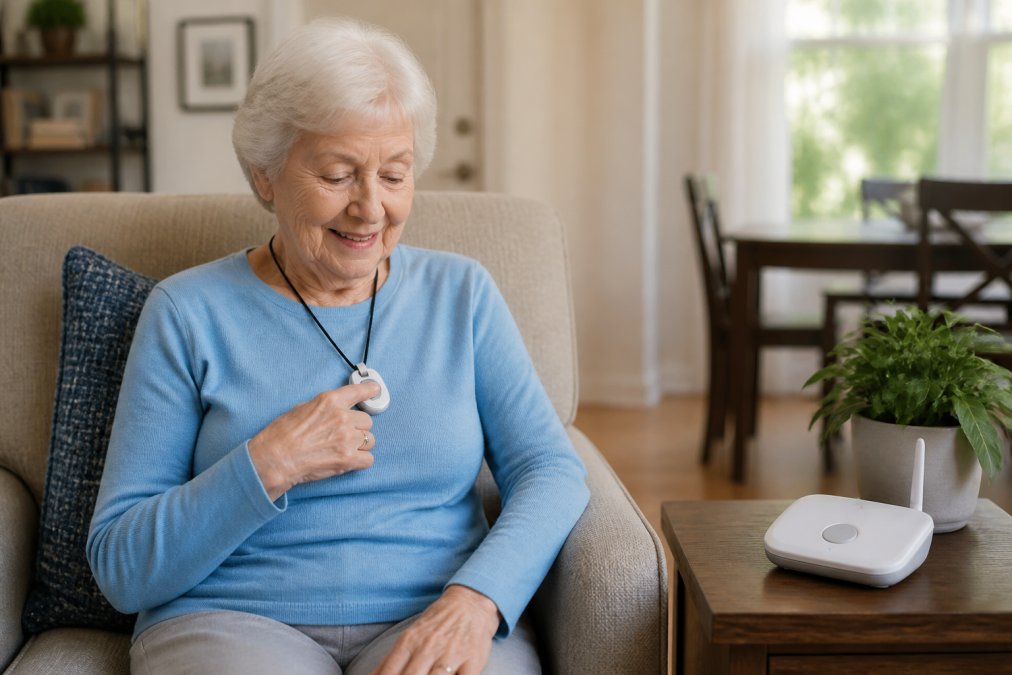
Medical alert systems with fall detection use motion sensors to recognize a sudden drop and call for help even when the wearer cannot press the button, critical for a senior who is unconscious, confused, or in shock.
Best Medical Alert Systems for Seniors Living Alone: 7-AI Consensus
Aging in Place Index
How the Sensor Actually Works
Fall detection pendants and wristbands rely on an accelerometer paired with a gyroscope. Together they watch for a signature pattern: a brief free-fall, a sharp impact spike, then a period of stillness. When all three line up inside a short window, the device treats the event as a probable fall.
What Happens After a Trigger
The response workflow matters as much as the sensor. A well-designed system follows a tiered sequence:
- The device emits a local tone and a spoken prompt ("Fall detected. Press cancel if you are okay.").
- If the wearer does not cancel within roughly 20 to 30 seconds, the device opens a two-way voice channel to the monitoring center.
- The operator speaks to the wearer. If there is no response, the operator dispatches EMS and notifies the emergency contacts on file.
Testing Fall Detection Before You Rely On It
You cannot safely stage a real fall, but you can verify the device is armed and reporting. Most systems include a self-test mode in the app or a test button on the base station. Run it monthly.
Who Actually Needs It
Fall detection is worth the added monthly fee for seniors with a documented history of falls, balance disorders, neuropathy, or dizziness-causing medications. It is less useful when the main risk is cardiac events or stroke, where the wearer is usually conscious and able to press the button.
Medical Alert System Cost Comparison: Monthly Fees and Hardware
Monthly subscriptions for the systems reviewed here start between $25.95 and $37.95, based on published provider pricing. Hardware is often included or discounted, and fall detection typically adds a few dollars per month. But the advertised starting price is rarely the price you pay.
The Four Cost Layers
Watch for four cost layers: the equipment fee, the activation fee, the monthly subscription plan, and the fall-detection add-on. Each can be waived, discounted, or bundled, and the bundle is where providers hide the real rate.
| Cost Layer | Typical Structure | Money-Saving Move |
|---|---|---|
| Equipment | Included or discounted | Ask for the online special |
| Activation | One-time fee | Often waived with promo codes |
| Monthly plan | Billed monthly or annually | Annual billing lowers rate |
| Fall detection | Add-on per month | Only add if fall risk is real |
Advertised Price vs. Effective Price
The number on the homepage is usually the lowest tier: in-home, landline, no fall detection, monthly billing. Add cellular connectivity, fall detection, and a second user, and the same plan can climb by $10 to $20 per month.
Monthly vs. Quarterly vs. Annual Billing
Most providers offer a discount for prepaying:
- Monthly: highest per-month rate, cancel anytime.
- Quarterly: small discount, usually 5 to 10 percent.
- Annual: largest discount, often 15 to 25 percent, but locks you in for twelve months.
Run the math before committing. If annual billing saves $60 but the device sits in a drawer after month two, you have lost money. For a first-time buyer, monthly is the safer starting point.
Contract Terms and Cancellation
Contract length varies widely. Some providers are month-to-month with no cancellation fee; others require a twelve-month agreement and charge a termination fee. Read the service agreement, not the sales page, the two clauses that matter most are the minimum term and the early-termination fee.
Trial Periods and Return Windows
Most reputable providers offer a 30-day trial or return window. Use it to confirm three things: the pendant is comfortable enough to wear daily, the base station reaches every room your parent uses, and the monitoring center answers quickly.
What You Are Actually Paying For
The monthly fee covers three things: the hardware lease or warranty, the cellular or landline connection, and access to a 24/7 monitoring center. The monitoring center is the most expensive component and the one most worth paying for.
Top Medical Alert Systems for Seniors Living Alone: Reviews and Pros/Cons
The eight options below cover the range from budget pendants to premium wearables. Prices reflect published starting rates as of 2026.
MobileHelp: Affordable GPS and Fall Detection
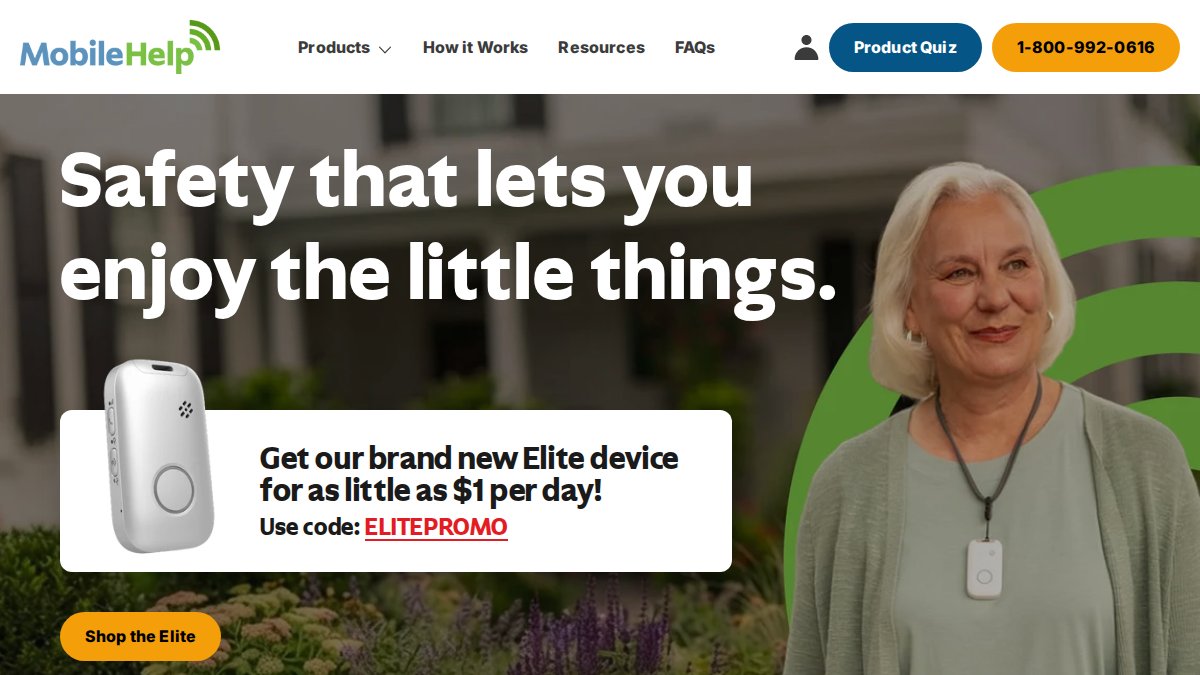
MobileHelp pairs GPS location tracking with cellular connectivity and a home range of roughly 600 to 1,400 feet, depending on the unit. It earns its spot as the value pick for seniors who want fall detection without a premium bill.
Bay Alarm Medical: Flexible Options for Couples
Couples living together get the most from Bay Alarm Medical, which offers in-home landline and cellular base stations plus an SOS All-In-One mobile device. The 24/7 monitoring center handles dispatch, and ease of use scores well with older users.
Medical Guardian: Premium Wearables and App Integration
Medical Guardian targets buyers who want advanced wearable technology. The MGHome Cellular base station needs no landline, pendants and bracelets are waterproof, and a mobile app keeps caregivers informed.
Medical Alert: Simple, No-Contract Monitoring
Medical Alert keeps things plain: cellular or landline options, 24/7 emergency response, water-resistant buttons, and no long-term contract. For a parent who wants a button and a voice on the other end, that simplicity is the feature.
Family1st Belle+: Specialized for Dementia and Location Tracking
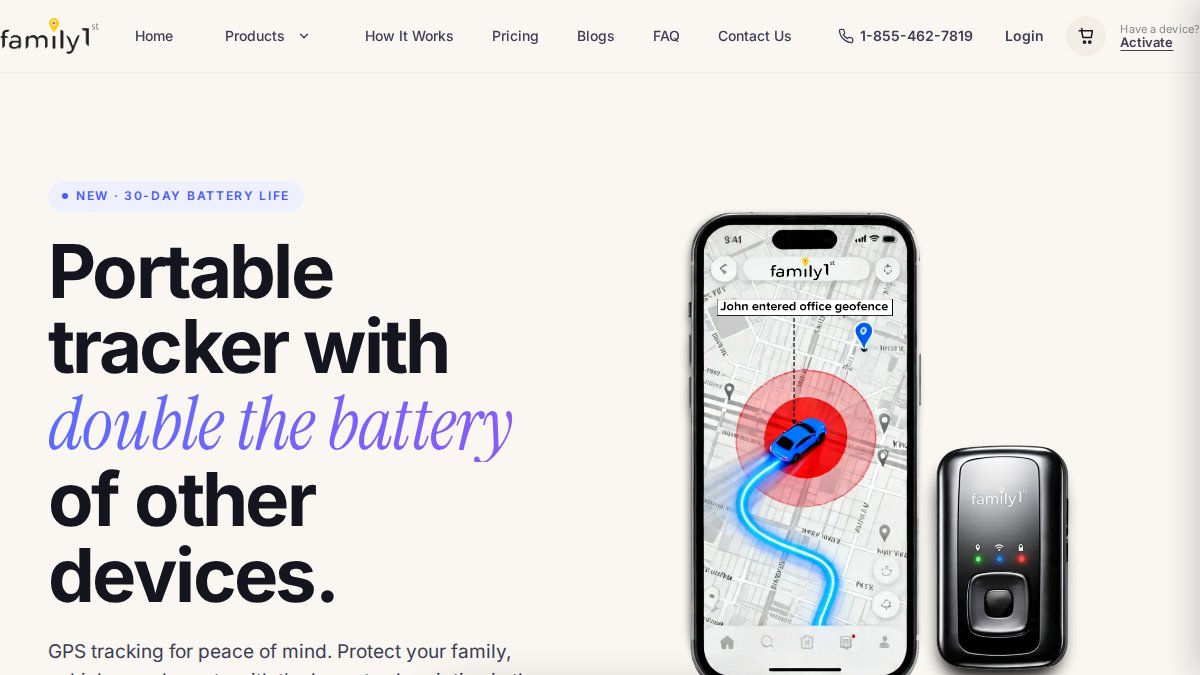
The Belle+ was built for cognitive decline. GPS and Wi-Fi location tracking, two-way voice communication, fall detection, and long battery life make it a fit for dementia tracking and wandering concerns.
ADT Medical Alert: Integration with Home Security
ADT brings its monitoring network to medical alerts, with in-home and mobile systems plus fall detection sensors. The real draw is integration with a broader home security ecosystem.
Assured Independence Fall Detection Pendant: Dedicated Fall Alert
This pendant does one job: detect falls. Motion-sensing sensors, a lightweight design, and water resistance suit seniors at high fall risk who do not need GPS or app features.
Caregiver Pager Systems: No Monthly Fees, No Professional Monitoring
Caregiver pager systems skip the monitoring center entirely. A push-button transmitter alerts a caregiver inside the home through audible and visual signals, with no subscription and no contract. They suit seniors who live with family and need a quick call for help, not emergency dispatch.
Insurance and Medicare Coverage for Medical Alert Systems
Original Medicare generally does not cover medical alert systems as durable medical equipment, because the devices are not considered medically necessary in most cases. Some Medicare Advantage plans bundle alert devices as supplemental benefits, and Medicaid waivers in certain states fund them for qualifying recipients.
Privacy and Data Security: What Happens to Your Health Data?
A medical alert device collects location, movement, and health information, making data handling a real concern. Ask each provider where data is stored, whether it is encrypted, who can access it, and whether it is sold to third parties.
Conclusion: Choosing Peace of Mind for Independent Living
The hardest part of choosing among the best medical alert systems for seniors living alone is not the comparison table. It is the quiet worry that nothing will work when it matters. Match the system to your parent's routine, test the range, and confirm the monitoring center answers.
Frequently Asked Questions
Will Medicare pay for a medical alert system?
Original Medicare (Part A and Part B) generally does not cover medical alert systems because they are considered non-medical equipment. However, some Medicare Advantage plans may offer coverage as a supplemental benefit. Medicaid waivers in certain states may also help. Veterans may qualify for assistance through VA benefits. Always check with your specific plan provider before purchasing.
Are there fall detection devices that don't require a monthly fee?
Yes, some fall detection devices like caregiver pager systems sold on Amazon do not require a monthly subscription. These typically alert a caregiver within the home rather than a professional monitoring center. However, they lack 24/7 emergency dispatch and GPS tracking. For seniors living alone who need automatic emergency response, a subscription-based system with professional monitoring is usually recommended.
Is there a medical alarm system for elderly living alone that doesn't require a landline?
Yes, many modern medical alert systems use cellular connectivity instead of a landline. For example, Medical Guardian MGHome Cellular and MobileHelp both offer cellular-based systems. These work anywhere with cellular signal and often include GPS tracking for mobile use. They are ideal for seniors who have cancelled their landline phone service.
How does GPS tracking work in medical alert systems?
GPS tracking in medical alert systems uses satellite technology to pinpoint the wearer's location. When the emergency button is pressed, the device transmits coordinates to the monitoring center, which then dispatches help to the exact spot. This is especially useful for mobile systems used outside the home. Some devices also use Wi-Fi and cellular triangulation for added accuracy.